
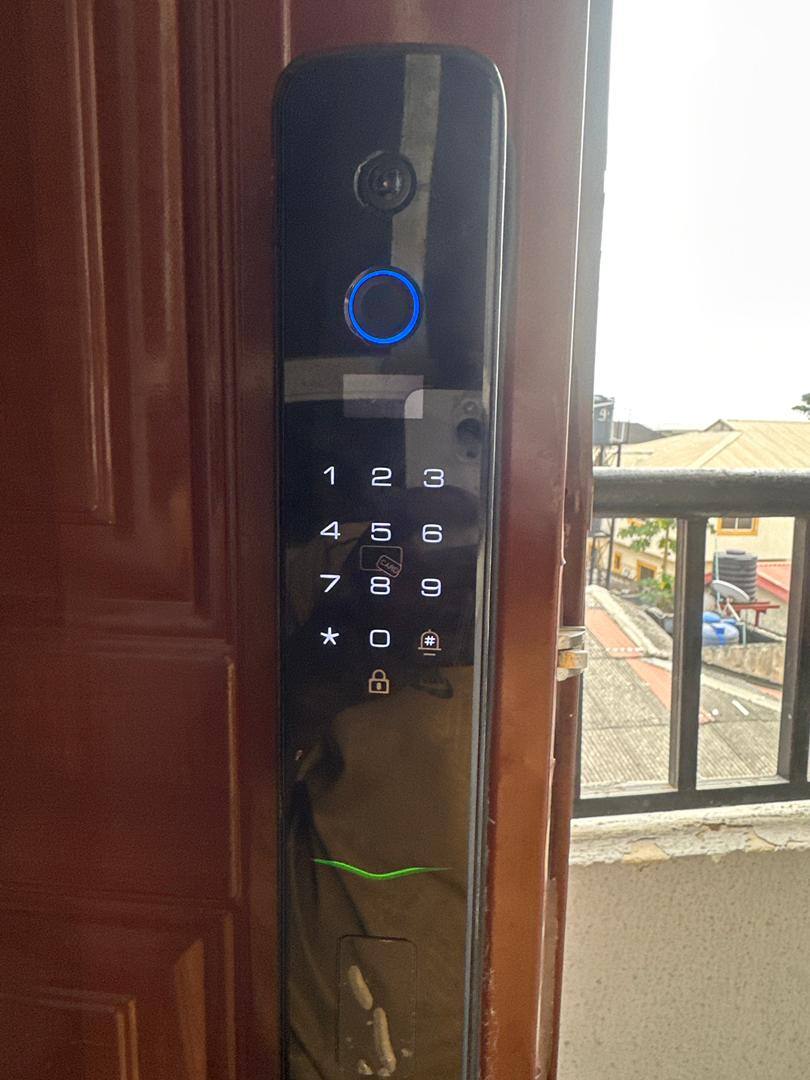
A smart lock is one of those installations people forget about until it stops working, usually at the worst possible moment. After servicing locks across homes in Lekki and Ajah, these are the signs worth acting on early, rather than waiting for a lockout.
If a fingerprint that used to unlock instantly now needs two or three attempts, the sensor surface is usually dirty or the internal battery is starting to weaken. A soft, dry cloth wipe solves the first cause. If it keeps happening after cleaning, it is worth having the battery and sensor checked before it fails completely.
Keypad backlighting dims gradually as batteries run low, often before the lock actually stops working. Treat a dimmer keypad as an early warning, not a cosmetic issue. Most locks give you weeks of notice this way if you know to look for it.
Smart locks still rely on a mechanical bolt lining up with the door frame. If the door has shifted slightly, from weather, wear, or a loose hinge, the motor has to work harder to engage the bolt. Over time this strains the motor. A small adjustment to the strike plate is a quick fix compared to replacing a worn motor.
Occasional disconnection is normal on a busy WiFi network. Frequent or lasting disconnections usually mean the lock's WiFi module is struggling with distance from your router, or your router itself needs a restart. If it persists after a router restart, the lock's placement or your network setup may need a second look.
Even a smart lock with no obvious symptoms benefits from an annual check: battery contacts cleaned, firmware updated where supported, and the mechanical bolt tested independently of the electronics. This is the single easiest way to avoid an unexpected lockout.